
QVeris CLI: Your Universal API Gateway from the Terminal
April 7, 2026
Discover, inspect, and call 10,000+ APIs from your terminal — in natural language, in under 30 seconds.
What is QVeris CLI?
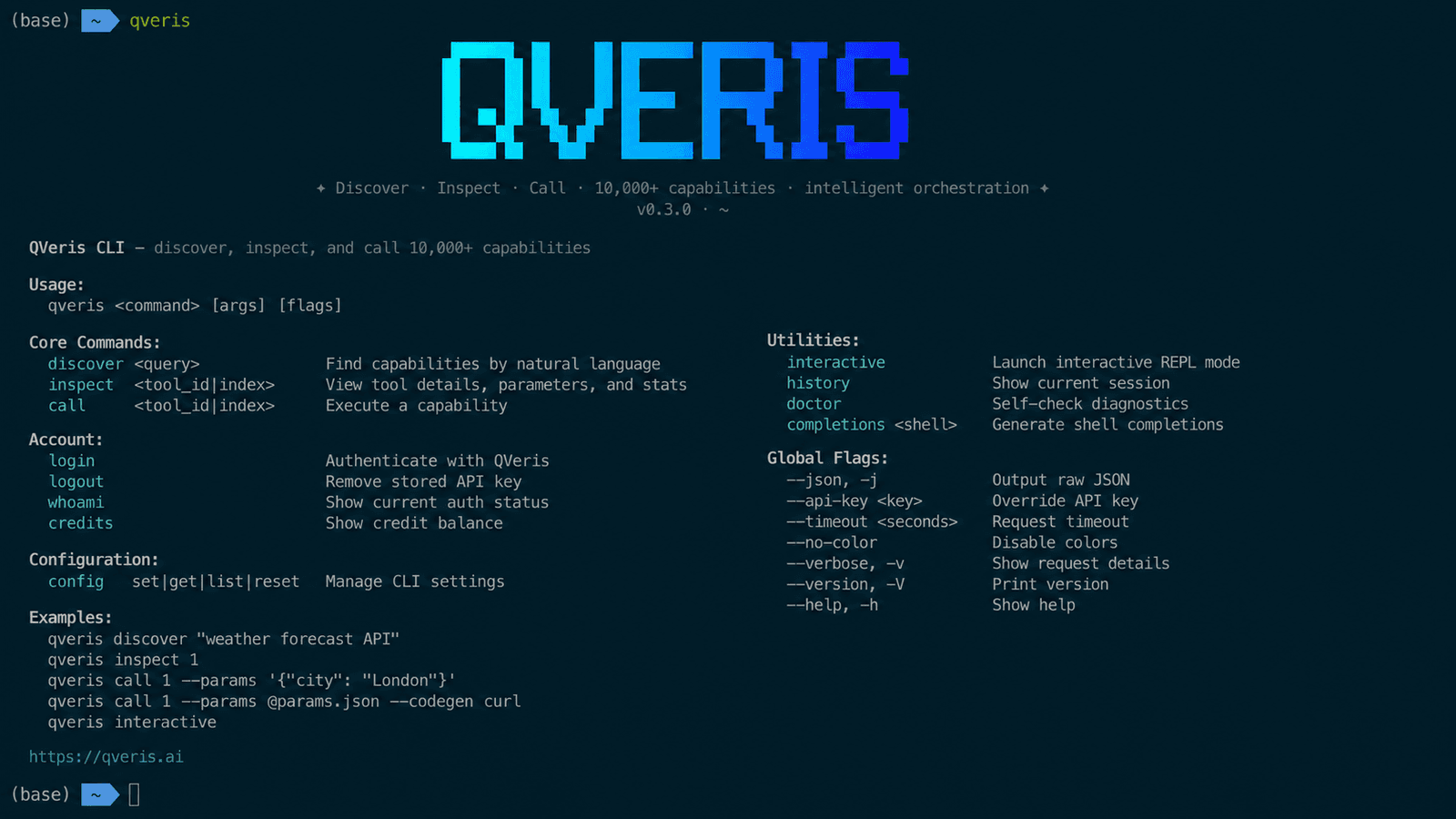
QVeris CLI is a command-line tool that lets developers and AI agents discover, inspect, and execute 10,000+ API capabilities using natural language. No documentation hunting, no boilerplate code, no third-party signups.
Install it in one line. Search for any API in plain English. Call it with a single command.
Quick Start
## Install (macOS / Linux)

curl -fsSL https://qveris.ai/cli/install | bash

## Or via npm

npm install -g @qverisai/cli

## Login

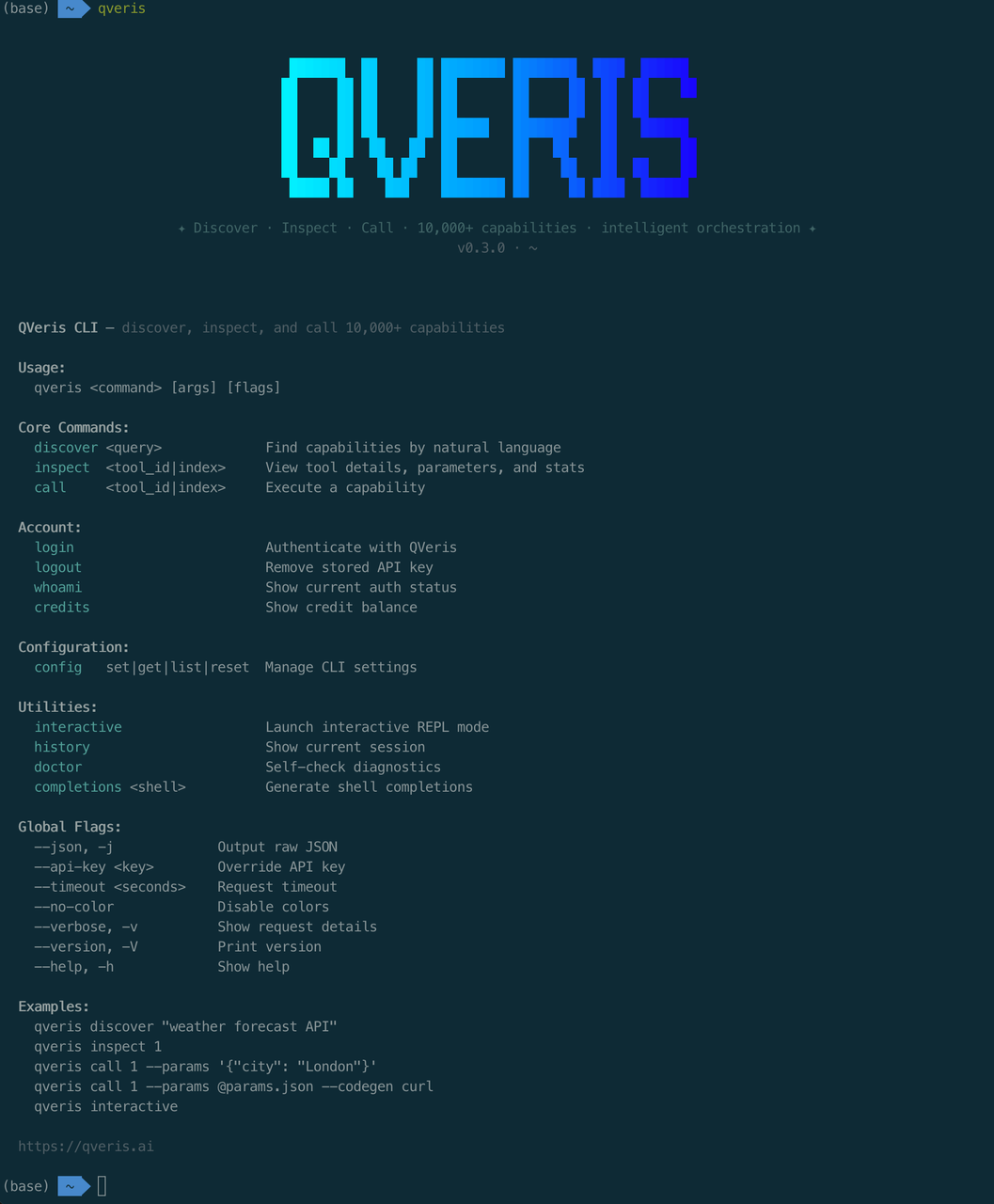
qveris login

## Your first API search

qveris discover "real-time stock quotes"
That's it. From zero to your first API call in 30 seconds.
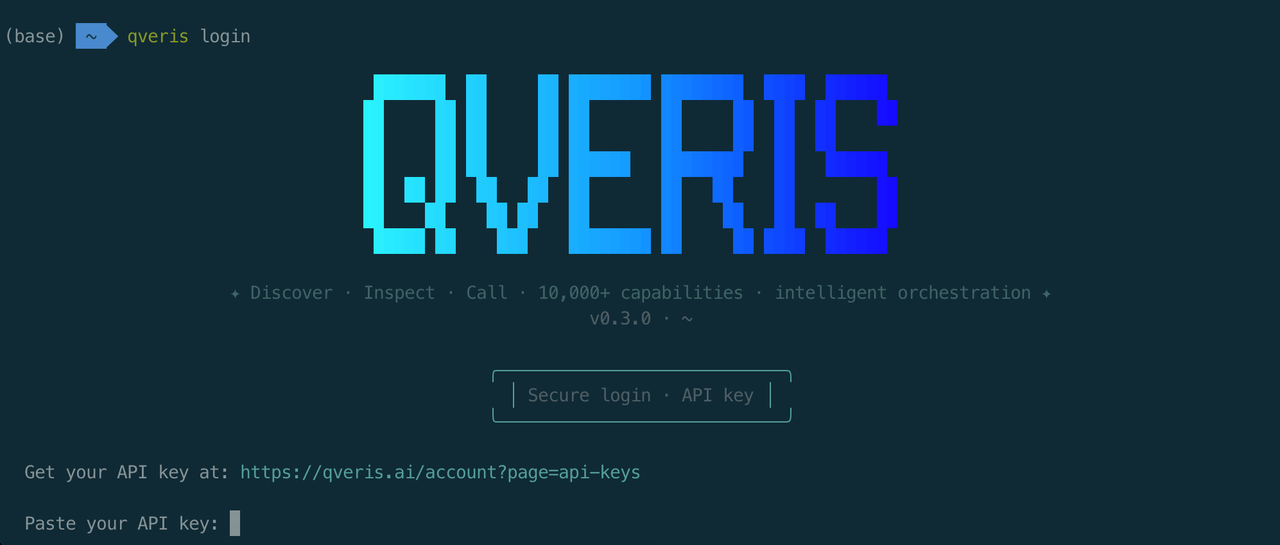
🎁 New users get 1,000 free credits. Search is always free. No credit card required.
How It Works: Discover → Inspect → Call
QVeris CLI follows a three-step workflow — like a search engine for APIs.
Discover
Describe what you need in plain language:
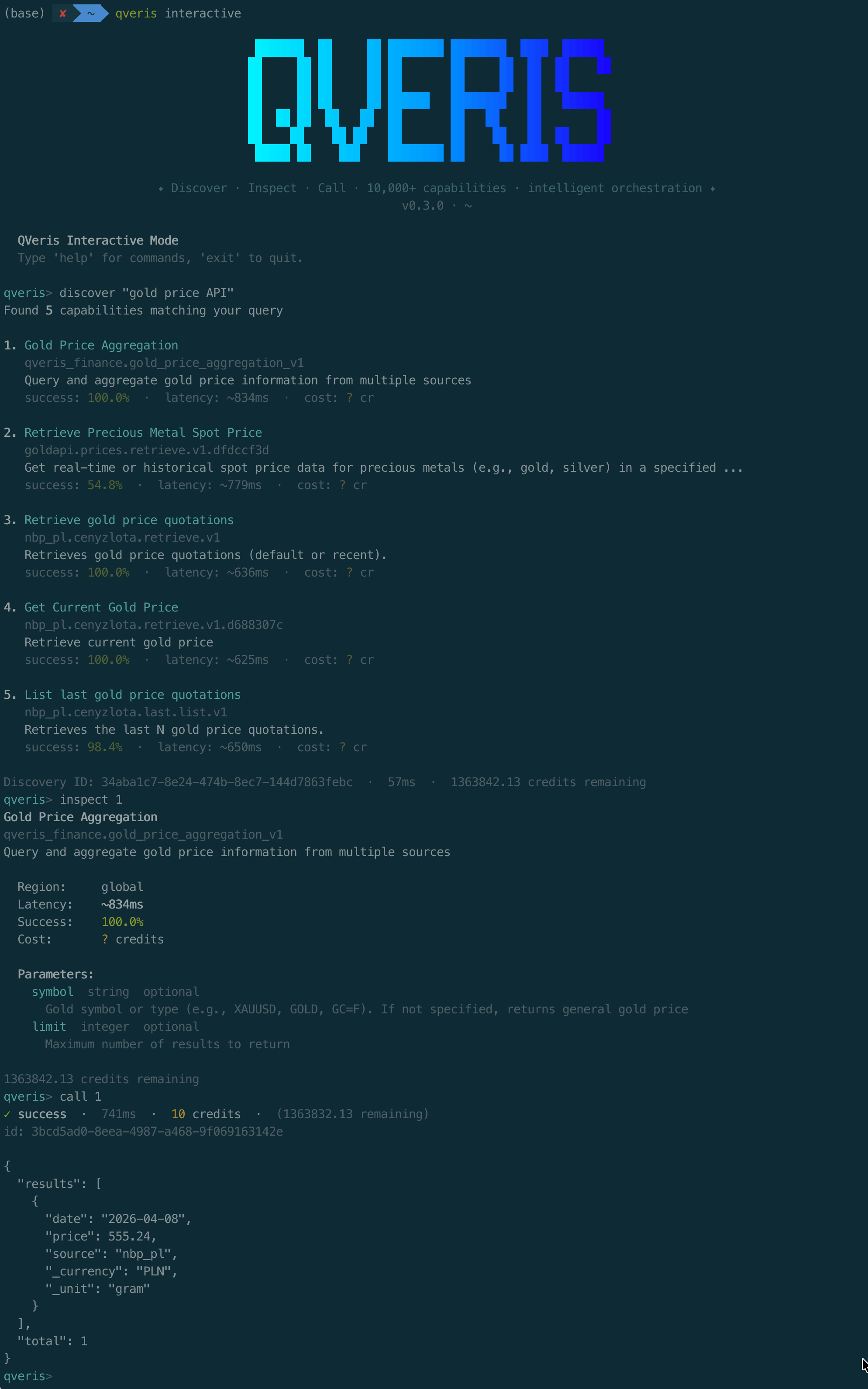
qveris discover "real-time stock quotes"
Found 6 tools:

  1. finance.stock_quote       Real-time stock quotes    ⚡ 320ms  99.2%
  2. market.live_price         Live market prices        ⚡ 450ms  98.7%
  3. trading.ticker_data       Ticker data & history     ⚡ 280ms  99.5%
Every result includes latency and success rate metrics. Search is free — zero credit cost.
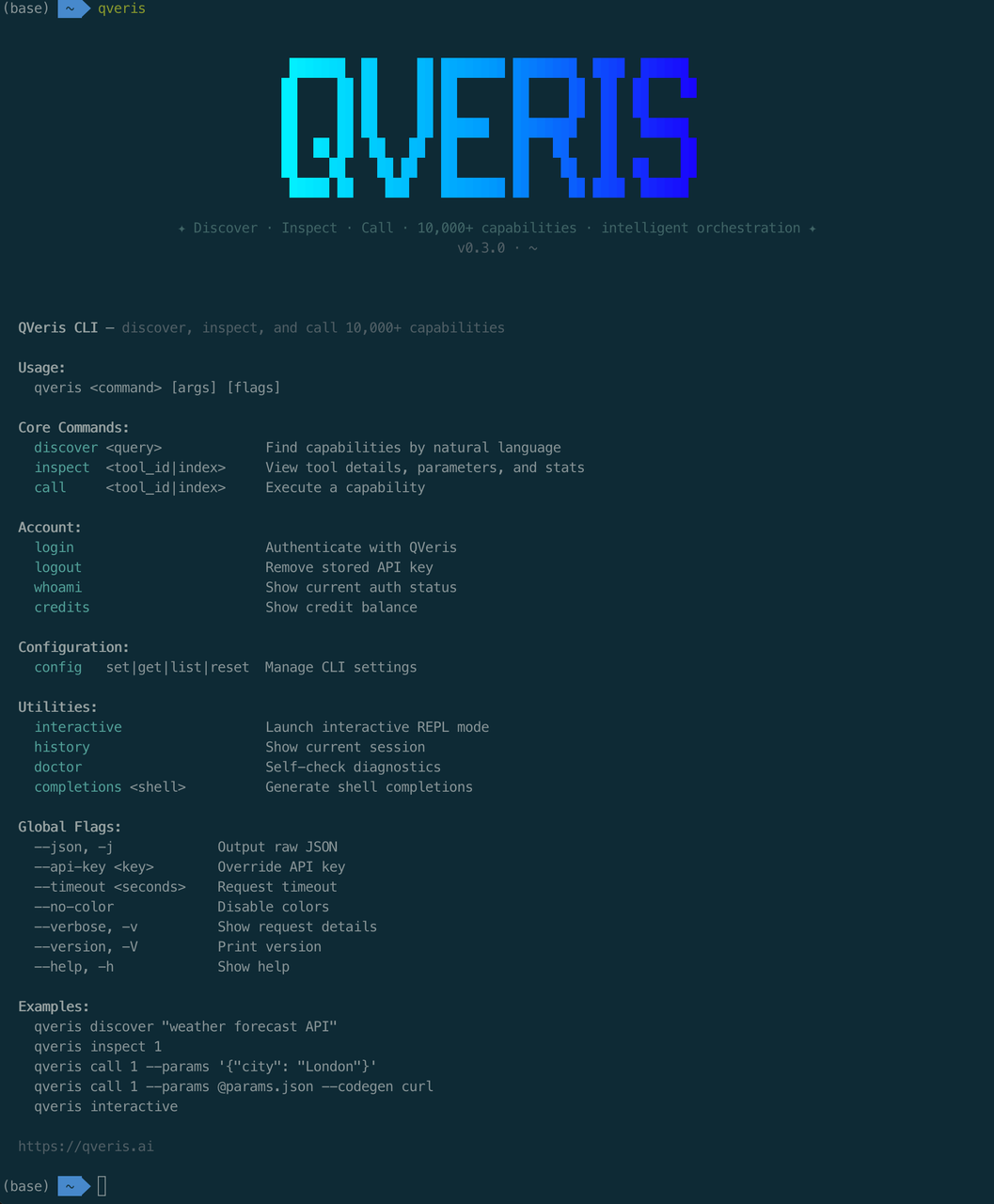
[📸 Placeholder: terminal screenshot of qveris discover output with colorized results]
Inspect
Check the details before you call:
qveris inspect 1
finance.stock_quote

Real-time stock price quotes from major exchanges

Provider: MarketData Pro  ·  Avg: 320ms  ·  Success: 99.2%

Parameters:

  symbol    string (required)   Stock ticker symbol

  exchange  string (optional)   Exchange code
Call
Execute and get results:
qveris call 1 --params '{"symbol": "AAPL"}'
{ "symbol": "AAPL", "price": 198.52, "change": +2.31, "volume": 45230100 }
Three commands. From "I need a stock API" to live data. Under 30 seconds.
Key Features
> 🔍 **Natural Language Search** — Describe what you need. QVeris semantic-matches across 10,000+ tools. No API names to memorize.

> 🔧 **Code Generation** — `codegen curl|python|javascript` generates ready-to-use API call code for your project.

> 🤖 **Agent-Optimized** — `--json` output + stdin pipes + structured exit codes. Built for automation from day one.


> ⚡ **Zero-Config Setup** — One-line `curl` install. Interactive `qveris login`. From zero to productive in 30 seconds.

> 💬 **Interactive REPL** — `qveris interactive` opens an exploratory shell to discover and test APIs conversationally.

> 🎁 **Built-in Diagnostics** — `qveris doctor` checks Node.js version, API key, and network connectivity in one command.
The Most Token-Efficient Way for Agents to Use APIs
If you're building AI agents, QVeris CLI is the lowest-overhead way to give them API access.
Compared to MCP Server (which injects full tool schemas into LLM context — often thousands of tokens), CLI keeps it simple: one shell command in, JSON result out.
| Dimension | QVeris CLI | MCP Server |
|---|---|---|
| Best for | Terminal, scripts, agent shell calls | IDE agents (Cursor, Claude Code, VS Code) |
| Install | One-line curl | IDE configuration |
| Token cost | ~50–100 tokens per command | Schema injection scales with tool count |
| Output | Human-friendly + --json | MCP protocol format |
| Interaction | REPL, pipes, scripts | IDE-embedded chat |
## Structured output, agent-ready

qveris discover "aggregate news or financial indicators into structured data" --json --limit 3

## stdin pipe for automation workflows

echo '{"tickers":["AAPL","MSFT","GOOGL"],"interval":"1d"}' | \

  qveris call 1 --params - --json

## Dry-run validation — zero credit cost

qveris call 1 --params '{"tickers":["AAPL","MSFT"],"interval":"1d"}' --dry-run --json
💡 Why 80%+ token savings? MCP injects all tool schemas into LLM context (scales linearly with tool count). CLI sends one shell command (~50–100 tokens) and returns structured JSON. At 10+ tools, the difference is massive.
Works with Claude Code, OpenCode, Cursor, custom agent scripts — anything that can execute a shell command.
💡 Pro tip: CLI and MCP Server aren't mutually exclusive. Use CLI for terminal and automation, MCP for IDE workflows. You can run both.
Use Cases
Developer Daily Workflow
Need to verify an API response without leaving the terminal?
qveris discover "geocoding API"

qveris call 1 --params '{"address": "San Francisco, CA"}'
Then run codegen python to generate production-ready code you can paste directly into your project.
Agent Automation Pipelines
Let your AI agent discover, validate, and call APIs through shell:
## Agent auto-discovers, selects best tool, and calls it

qveris discover "weather forecast" --json --limit 1 | \

  jq -r ".results[0].tool_id" | \

  xargs -I {} qveris call {} --params '{"location":"Shanghai"}' --json
Batch Data Collection
Combine with shell pipes for batch operations:
## Batch query multiple stocks

for symbol in AAPL GOOGL MSFT; do

  qveris call finance.stock_quote --params "{\"symbol\":\"$symbol\"}" --json

done | jq -s "."
Command Reference
| Command | Description | Cost |
|---|---|---|
qveris discover <query> | Natural language API search | Free |
qveris inspect <id> | View tool details, params, examples | Free |
qveris call <id> | Execute a tool and get results | 1–100 credits |
qveris interactive | Start interactive REPL | — |
qveris login / logout | Authentication management | — |
qveris whoami | Check current auth status | — |
qveris credits | Check remaining balance | — |
| `qveris config list | set | get |
qveris history | View/clear session history (30min TTL) | — |
qveris doctor | Check Node.js, API key, connectivity | — |
qveris completions <shell> | Generate shell auto-completion script | — |
All commands support --json output · --api-key override · --timeout configuration.
Get Started
curl -fsSL https://qveris.ai/cli/install | bash

qveris login

qveris discover "any API you need"
🚀 Three commands. 10,000+ APIs. Free to start.
- 1,000 free credits on signup — no credit card required
- Search is always free
- Fully open source: github.com/QVerisAI/QVerisAI
Use this article with a skill
Turn the idea above into an agent workflow. Copy the install command or start with the prompt below.
QVeris official
The core skill that lets any supported agent discover, inspect, and call real-world capabilities.
openclaw skills install qveris-officialDiscover weather capabilities, inspect the best candidate, and get the current weather in Tokyo. Explain which capability you used and why.