
AI Agent Tool Routing: How Agents Choose the Right Tool for Every Task
A practical guide to AI agent tool routing — covering tool discovery, capability selection, schema inspection, function calling, MCP tools, validation, fallback, and QVeris-supported routing workflows.
Discover · Inspect · Call · Validate · Route
What Is AI Agent Tool Routing?
AI Agent Tool Routing is the process by which an AI agent selects the most appropriate tool, API, or capability for a given task — based on task intent, tool schema, required inputs, output format, cost, latency, authentication, and provider reliability. It moves the agent from "I know how to call a function" to "I know which function to call for this specific task."
Function calling answers "how does the model invoke a function?". Tool routing answers "given ten candidate tools that could satisfy this task, which one should the agent actually use?". Consider an agent asked "Find recent SEC filings for Nvidia and summarize risk factors." The agent should not blindly call the first search tool it finds. It should: (1) recognize the task requires a company filing capability, (2) discover candidate filing tools, (3) inspect each tool's input schema to verify ticker/CIK support and filing-type coverage, (4) select the tool that supports 10-K/10-Q/8-K retrieval with source URLs, (5) call it, (6) validate the filing date, accession number, and output format, then (7) generate a source-backed summary.
Function Calling vs Tool Calling vs Tool Routing
| Concept | What It Means | Main Question |
|---|---|---|
| Function Calling | LLM outputs structured function arguments in a specific format | How does the model invoke a function? |
| Tool Calling | Agent invokes an external tool, API, or MCP server | How does the agent execute a tool? |
| Tool Routing | Agent selects the best tool from multiple candidates | Which tool should the agent use? |
| MCP | Standard protocol for exposing tools to models and agents | How are tools connected? |
| QVeris Capability Routing | Agent-native discovery, inspection, and routing across capabilities | How can agents find and call the right capability? |
Key insight: Function calling is necessary but not sufficient for complex agents. Once an agent has access to 10, 50, or 100+ tools, the hard problem shifts from "how to call a function" to "which function to call." Tool routing is the layer that solves this — and it is the layer where most production agent failures happen.
Why Agents Need Tool Routing
1. Tool Lists Grow Too Large
A production agent may have 50+ MCP servers, each with multiple tools. Sending every tool schema in every prompt burns context and degrades model performance. Routing narrows the candidate set before the model even sees it.
2. Similar Tools Overlap
Three different "stock price" tools may exist — one returns bid/ask, one returns last price only, one requires a paid API key. The agent must choose, not guess.
3. Names Are Not Enough
A tool called get_market_data could return crypto prices, stock quotes, or macroeconomic indicators. The name reveals nothing about the schema. Inspection is required.
4. Schema Mismatch Causes Failed Calls
An agent calling a tool that expects cik as input but the agent only has a ticker will fail. Routing with schema inspection catches this before execution.
5. Some Tools Are Expensive or Slow
One tool costs $0.001 per call with 50ms latency. Another costs $0.05 with 2s latency. For high-volume agents, routing by cost and latency matters.
6. Agents Need Fallback When Tools Fail
If the primary tool returns a 429 rate limit error, the agent should route to a fallback — not return "I couldn't complete the task." Routing includes failure recovery.
The AI Agent Tool Routing Workflow
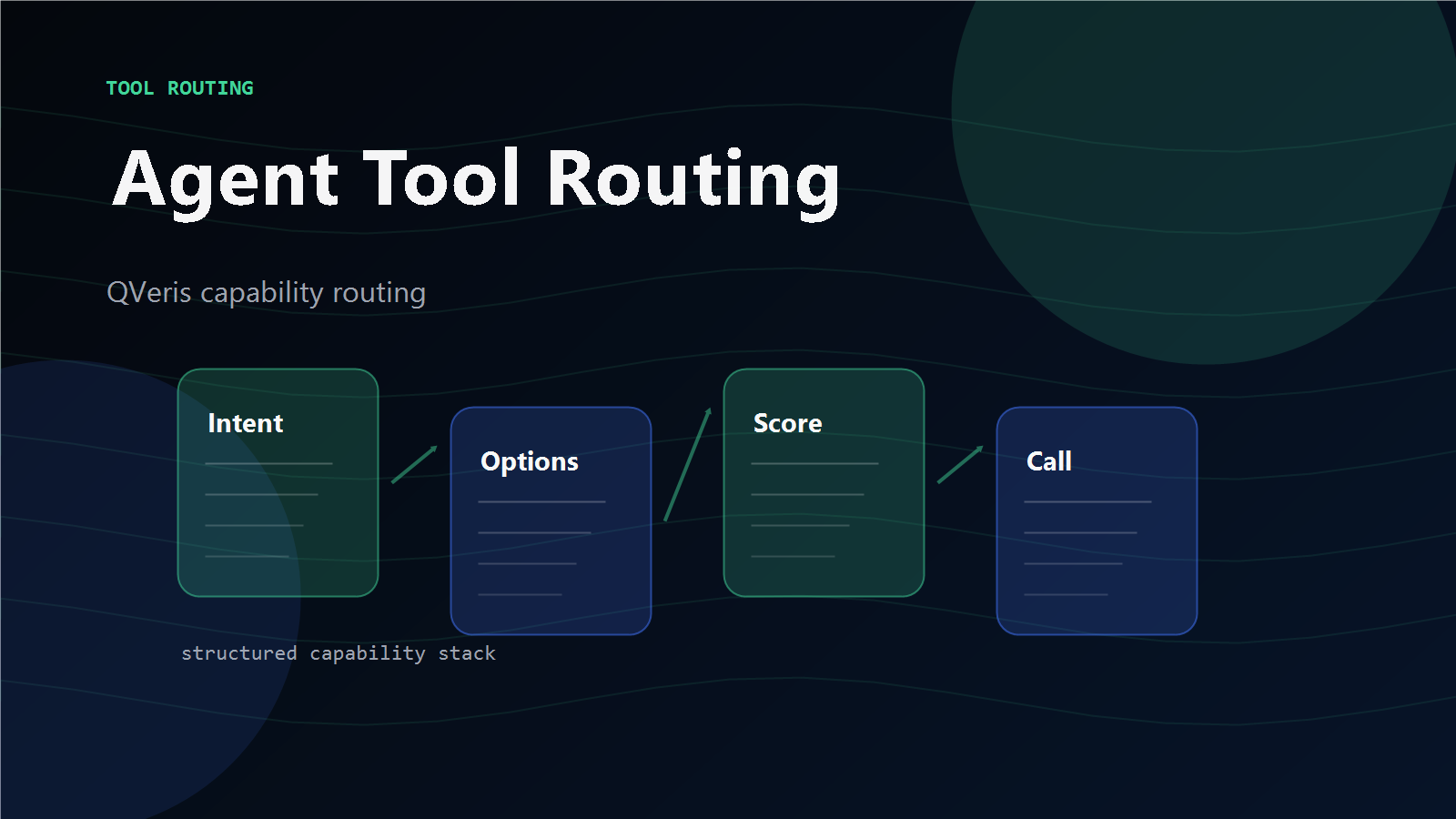
1. Intent Understanding
What does the user actually need? Data lookup? Action execution? Document analysis? The intent determines which category of tools is relevant — not just which keyword matches.
2. Capability Discovery
Search for candidate tools matching the task intent. This may involve an MCP registry, a tool directory, a QVeris Discover call, or a vector search across tool descriptions and schemas.
3. Schema Inspection
For each candidate, inspect input parameters, required fields, output format, authentication method, cost, latency, provider notes, and constraints. Eliminate tools that do not match the task requirements.
4. Tool Selection
Rank remaining candidates by accuracy, cost, latency, source quality, and availability. Select the best tool. If multiple tools are equally suitable, prefer the one with lower cost or better source attribution.
5. Tool Call
Execute the selected tool with validated inputs. Handle authentication, timeouts, and error responses. If the call fails, route to the next-ranked fallback.
6. Output Validation
Check the response: Are required fields present? Is the timestamp valid? Is the source URL included? Are there missing values? Does the schema match expectations?
7. Agent Response
Generate the final answer — a research brief, JSON payload, alert, chart, summary, or next workflow step — with source traceability and clear separation of extracted facts from model interpretation.
Tool Routing Decision Factors
| Factor | Why It Matters in Routing |
|---|---|
| Task Intent | Determines which category of capability is needed — price data vs filing data vs news vs action execution |
| Tool Schema | Prevents invalid or unsafe calls — the agent must confirm inputs, outputs, and constraints before calling |
| Required Inputs | Determines whether the agent has enough information — missing a required field means the call will fail |
| Output Format | Determines whether downstream steps can consume the result — JSON, plain text, structured data, or raw document |
| Cost | Helps avoid unnecessarily expensive calls — route to free tier tools for low-stakes tasks, paid tools for production data |
| Latency | Critical for real-time workflows — a 2-second tool call may be unacceptable for alert agents but fine for research agents |
| Authentication | Determines whether the tool can be called — the agent must verify auth availability before attempting execution |
| Source Quality | Critical for research and compliance — agents should prefer tools that return source URLs, timestamps, and provenance metadata |
| Fallback Options | Helps the agent recover from errors — routing should always include a ranked fallback list, not a single point of failure |
Tool Routing Examples
Market Data Agent
Task: "Get the latest price and historical context for AAPL."
Candidates: stock_quote, real_time_price, historical_prices, financial_news
Routing: stock_quote for latest price, historical_prices for context, news only if explanation requested.
QVeris: Discover market data → inspect schema → call → validate timestamps.
SEC Filing Agent
Task: "Summarize risk factors from the latest 10-K."
Candidates: company_filings, SEC parser, document analysis, summarization
Routing: filing tool first → validate date/source → extract risk section → summarize.
QVeris: Discover filing capabilities → inspect coverage → call → validate accession number.
Email Agent
Task: "Draft an email about the shipment delay."
Candidates: contact search, CRM lookup, email draft, template generator
Routing: Do not send directly. Draft first. Confirm before sending.
QVeris: Discover communication capabilities → inspect → draft → validate before action.
Data Analysis Agent
Task: "Analyze this CSV and create a chart."
Candidates: file reader, spreadsheet parser, chart generator, report writer
Routing: Read file → inspect columns → validate data → create chart → write report.
QVeris: Discover file + analysis capabilities → inspect → call in sequence → validate each step.
MCP Tool Agent
Task: "Find an MCP server that can query PostgreSQL."
Candidates: MCP registry, MCP directory, GitHub search, QVeris discover
Routing: Use directory for browsing → inspect schema → verify auth → test before production.
QVeris: Discover database MCP capabilities → inspect → evaluate → select best match.
Common Tool Routing Failure Modes
Wrong Tool Selected
Agent picks a tool whose name sounds relevant but whose schema reveals it is the wrong capability. Always inspect schema, not just names.
Schema Misunderstood
Agent calls a tool with symbol when it expects ticker. Parameter name mismatch is the most common preventable failure.
Expensive Tool Called Unnecessarily
A high-cost premium API is called for a task that a free-tier tool could handle. Route by cost awareness, not just capability match.
No Fallback When Primary Fails
The selected tool returns 429 or 503. The agent has no fallback configured and returns "I couldn't complete the task." Always rank fallbacks.
Search Result vs Executable Capability
Agent confuses a directory listing result with an executable tool. Finding a tool is not the same as being able to call it.
Over-Calling Tools
Agent calls tools for tasks that simple reasoning could handle. Not every user message requires external API access.
MCP and Tool Routing
| Layer | Role |
|---|---|
| Function Calling | Model outputs structured arguments to invoke a function |
| MCP Server | Exposes tools, resources, and prompts to agents |
| MCP Registry / Directory | Helps developers find and browse available MCP servers |
| Tool Routing | Chooses the right tool for the task from multiple candidates |
| QVeris | Adds agent-native discovery, inspection, and capability routing on top of tool ecosystems |
MCP standardizes how tools are exposed. It does not solve which tool an agent should pick from a large and overlapping set. MCP makes tools easier to connect. Tool routing makes tools easier to choose. The two layers are complementary — production agents typically use MCP for tool connectivity and a routing layer like QVeris for capability selection, schema inspection, and fallback handling.
QVeris Support for Capability Routing
QVeris is designed around Discover → Inspect → Call → Validate → Route. This makes it useful for agents that need to route tasks across external capabilities instead of hardcoding one provider per workflow.
Discover
Find candidate capabilities based on task intent — not server names. Semantic search across tools, APIs, and MCP servers.
Inspect
Review schema, inputs, cost, latency, auth, provider notes, and output examples. Eliminate unsuitable candidates before calling.
Call
Execute the selected capability through a unified interface. Consistent handling regardless of which provider answers.
Validate & Route
Check output fields, timestamps, source metadata. Route to fallback if needed. Return structured result with traceability.
QVeris is a capability routing layer — it does not own every external tool or replace every MCP server. It helps agents discover, inspect, and call relevant capabilities through a unified workflow. Read the docs → or view pricing →.
Getting Started Checklist
QVeris is a capability routing layer. Always verify tool schemas, terms, and availability independently.
Route Your Agent's Tools Intelligently
QVeris gives your AI agent a unified Discover → Inspect → Call workflow for routing tasks across external capabilities. No more hardcoding every provider. Discover and Inspect are free forever.
Build Tool-Routing Agent →Explore QVeris Docs