
Why FX context matters
AI agents often compare revenue, invoices, portfolios, crypto exposure, or international assets. They need exchange-rate assumptions, not just a final number.
Convert sample FX values, plan multi-currency agent logic, and define how an automated finance workflow should handle source quality, rounding, dates, and unavailable rates.
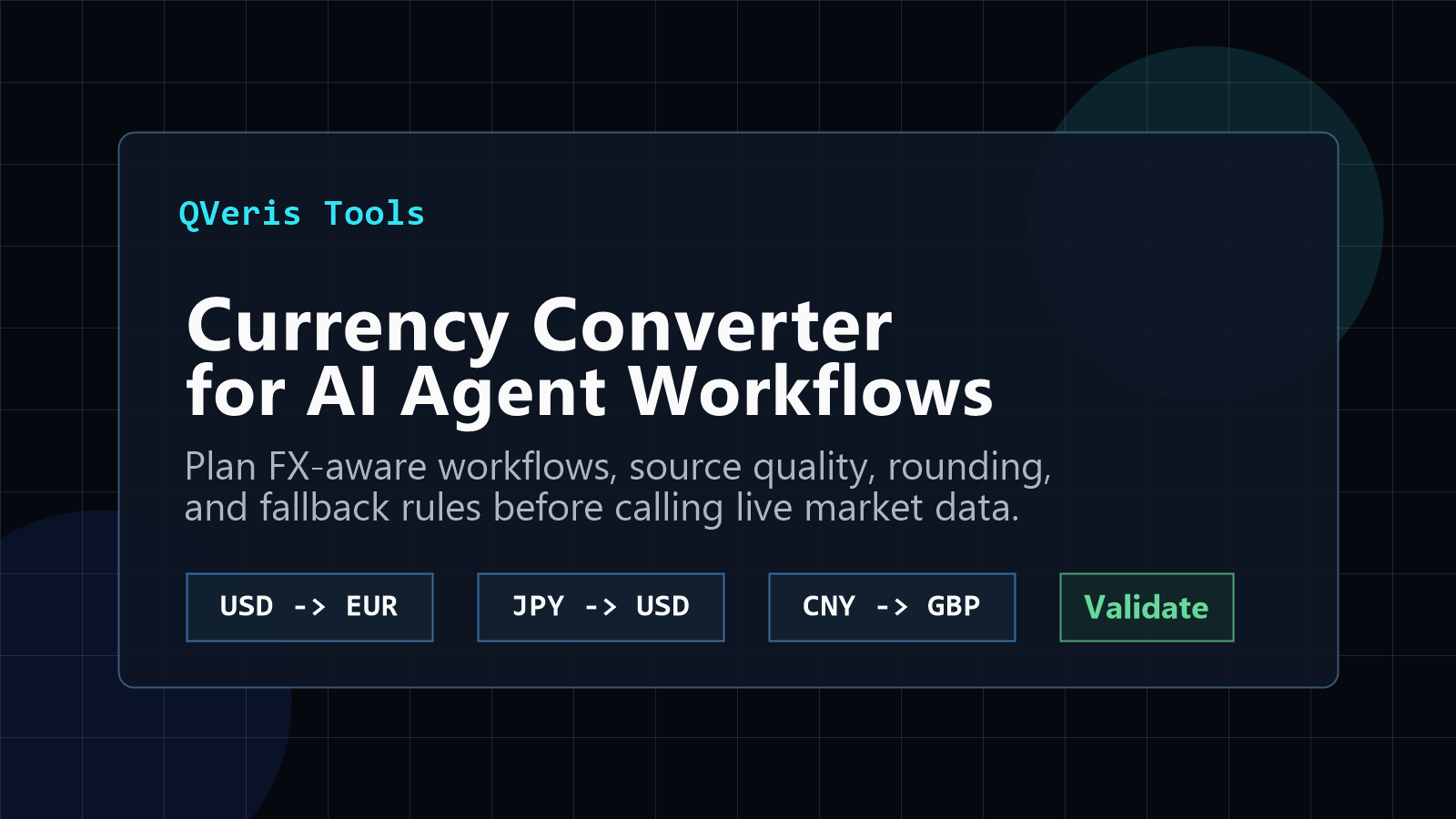
AI agents often compare revenue, invoices, portfolios, crypto exposure, or international assets. They need exchange-rate assumptions, not just a final number.
Define base currency, target currency, date, precision, source, fallback behavior, and whether the workflow needs a real-time or historical rate.
Use QVeris to discover, inspect, and call financial capabilities when a planning utility becomes a production AI agent workflow.
Use this converter to plan how an AI finance agent should handle currency pairs, rate timing, rounding, source quality, and unavailable rates before it calls live FX data.
For production, define whether the workflow needs real-time rates, end-of-day rates, historical conversion, accounting-grade sources, or user-facing estimates.
When the workflow matures, QVeris can help discover and inspect providers that match the required coverage, latency, and cost. Start from QVeris docs, Skill Hub, or the Capability Map.
Good next steps: connect FX conversion to invoice automation, portfolio normalization, and multi-currency reports.
A useful currency workflow starts by matching the rate to the decision. A live checkout, a month-end finance report, and a historical portfolio comparison should not silently share the same timestamp or source.
Use for customer quotes, trading-adjacent monitoring, or rapidly changing exposure. Record provider time, feed delay, and how long the result remains valid.
Use when reports need a stable daily value. Define the market close, timezone, holiday rule, and whether the provider revises published values.
Use for backtests, invoices, audits, and dated portfolio values. The workflow must resolve weekends and missing observations without quietly using a future rate.
Treat conversion as a small data contract rather than a single multiplication. The output should preserve enough evidence for another system—or a human reviewer—to reproduce the number.
Test direct and inverse pairs, zero and negative amounts, small-decimal currencies, weekend dates, provider outages, stale caches, and very large portfolio values. Compare the displayed result with a high-precision internal calculation so formatting never changes the economic value.
For invoice automation, retain the source document currency and the converted reporting currency. For portfolios, store the valuation timestamp and use one consistent policy across every holding. For user-facing estimates, label the result as indicative and explain that settlement or card-network rates may differ.
QVeris can support the production handoff by helping an agent discover and inspect available financial capabilities before it calls them. Provider coverage, freshness, authentication requirements, pricing, and output schema should be checked before a capability is admitted to the workflow.