
MCP Server for Financial Data: Best Options for AI Agents
Choose a financial-data MCP server for market data, filings, earnings and news; verify coverage, timestamps, licensing and tool schemas.
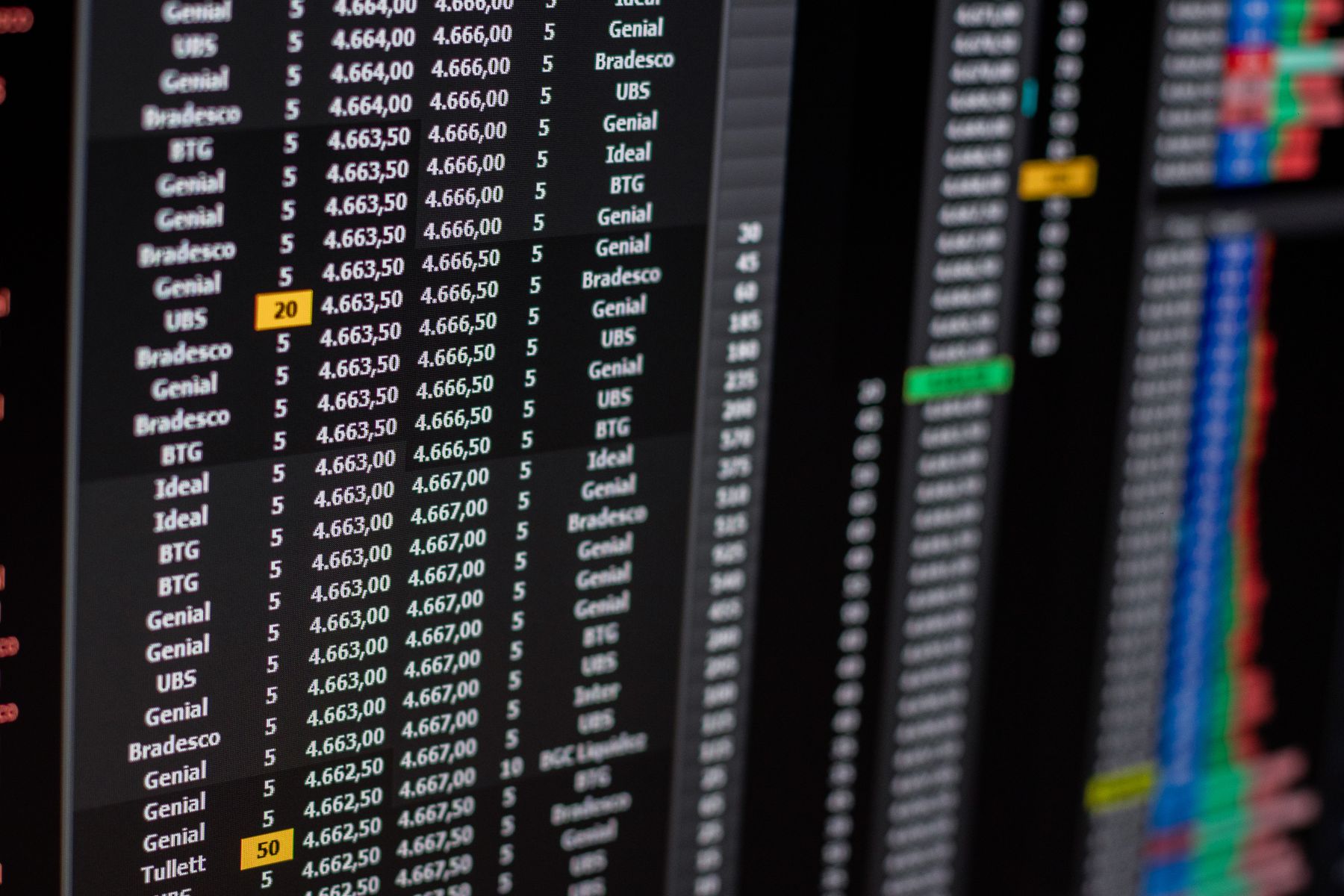
What Is an MCP Server for Financial Data?
An MCP server for financial data exposes finance tools, resources, and schemas to AI clients. Instead of writing a custom integration for every market data endpoint, developers can make financial capabilities available through a standard protocol.
What Financial Data Should an MCP Server Support?
Quotes, historical prices, gainers, losers, volume spikes, exchange status, and intraday context.
10-K, 10-Q, 8-K, income statements, balance sheets, cash flow, ratios, and source links.
Earnings calendars, transcripts, financial news, sentiment, economic releases, and event context.
Best MCP Server Options for Financial Data
| Option | Best fit | Agent limitation |
|---|---|---|
| Single-source financial data MCP server | Known provider, known data model, fixed query patterns. | Limited fallback and routing when the source is missing or slow. |
| Stock market MCP server | Quotes, movers, historical prices, and market monitoring workflows. | May not cover filings, earnings, ratios, or source validation. |
| SEC filings MCP server | Research workflows that need official filings and citation links. | Usually needs market data or fundamentals from another source. |
| QVeris | Multi-capability financial agents that need discovery, inspection, and routing. | Best used when the agent must choose among multiple finance tools. |
Key Limits That Matter for AI Agents
A useful server should expose cost and quota signals before an agent starts calling tools repeatedly.
Agents need clear parameters, return fields, examples, and error behavior before execution.
Financial answers should include timestamps, filing links, provider notes, and delayed-data warnings.
MCP Server vs Capability Routing
A typical MCP server exposes a set of tools. QVeris adds a routing layer above finance tools: agents can discover the right capability, inspect parameters and provider signals, then call the tool that best fits the task.
Search by intent, such as real-time stock price, SEC filings, earnings transcript, or financial news.
free discoveryReview schema, latency, cost, source quality, and fit before execution.
schema awareSend clean JSON back to research agents, market monitors, and dashboards.
agent readyDecision Matrix for Financial MCP Servers
| If you need... | Choose... |
|---|---|
| A simple stock quote inside Claude or Cursor | A focused stock data MCP server |
| Official filing context and citations | SEC filings tools and EDGAR-backed workflows |
| A production finance AI agent with multiple sources | QVeris capability routing |
| Fallback across market data, filings, earnings, and news | QVeris Discover, Inspect, and Call workflow |
Design the Server Around Real Tasks
A useful financial MCP server is not just a wrapper around APIs. It gives agents a small set of clear tools and returns enough context for every result to be understood, checked, and safely reused.
Separate quotes, historical prices, filings, earnings, news, and reference data. Narrow tools are easier for agents to select and easier for teams to test, cache, monitor, and permission.
Return exchange, currency, share class, timezone, session, interval, adjustment method, and reporting period where relevant. A ticker or timestamp without context can point an agent to the wrong conclusion.
Include the provider, retrieval time, data time, units, freshness, schema version, warnings, pagination state, and typed errors. Keep metric definitions distinct when providers do not mean the same thing.
Retries, cached data, fallback sources, and partial results should all be labeled. The agent can then decide whether the answer is still useful instead of presenting substituted evidence as if nothing changed.
Make Every Call Safe and Traceable
Once the tools work, the next question is whether the team can control them and explain what happened during a multi-step agent run.
Keep credentials outside prompts, isolate tenants, and give each tool only the access it needs. The model may request a call, but deterministic server logic should decide whether it is allowed.
Filings, news, and web pages may contain instructions. Keep system policy separate, limit follow-up tools, and filter oversized or unsafe content before it reaches the model.
Record the caller, tool version, provider, policy decision, source time, and whether the result came from live data, cache, or fallback. Monitor stale data and schema drift, not just HTTP errors.
A Practical Launch Checklist
Evaluate the server with representative financial tasks, then expand in stages. The goal is to prove that agents can find the right tool, recover from failure, and preserve evidence—not simply that every endpoint returns data.
| Stage | What to test | Ready when... |
|---|---|---|
| Benchmark | Quotes, adjusted history, filings, earnings, corporate actions, multiple symbols, and invalid inputs | Required fields, freshness, latency, and provenance meet the task definition |
| Failure drill | Timeouts, rate limits, expired credentials, stale cache, schema drift, and partial results | Retries are bounded and limitations remain visible to the user |
| Pilot | Read-only tools, limited users, conservative quotas, and complete tracing | Real usage reveals no confusing tools or unexplained provider switches |
| Operate | Missing capabilities, repeated parameter errors, cleanup work, reliability, and cost | Contracts and policies improve with evidence from actual calls |
Financial MCP Server FAQ
Any MCP-compatible client can use the tools the server exposes, subject to the client's implementation and the server's permissions. Typical clients include coding assistants, desktop AI applications, and custom agents that need structured access to market or company data.
Usually not. A research assistant, real-time monitor, filing analyst, and portfolio workflow have different freshness, coverage, cost, and permission needs. Teams may use several specialized servers or a routing layer that selects among capabilities.
Start with read-only research tools. If order or account actions are later added, isolate them from research tools, use least-privilege credentials, validate every argument, require explicit approval, and preserve a complete audit trail.
The server should return a structured limitation: which symbols or fields are missing, whether the data is stale, whether a retry is useful, and whether a fallback changed the source or quality. The agent should communicate that state instead of guessing.
Build Financial MCP Workflows with QVeris
MCP is a strong standard for exposing tools to agents. QVeris helps finance agents decide which tool to use, when to inspect it, and how to return structured results. For protocol context, see the Model Context Protocol, Anthropic MCP documentation, and official filing data from SEC EDGAR.