
MCP Tool Discovery for AI Agents: How Agents Find the Right Tools
A practical guide to MCP tool discovery for AI agents — covering MCP servers, tool schemas, capability discovery, server directories, tool routing, validation, and QVeris-supported Discover → Inspect → Call workflows.
MCP servers · Tool schemas · Capability discovery · Agent routing
What Is MCP Tool Discovery?
MCP Tool Discovery is the process by which an AI agent finds available MCP tools, external APIs, or capabilities that match a specific task — then inspects schemas, compares candidates, and selects the right tool before calling it. It moves agents from static server lists to runtime, task-based capability discovery.
MCP solves "how tools are exposed to models and agents". Tool discovery solves "how agents find the right tool for the task". Tool routing solves "how agents choose between candidates". These are three different layers — and production agents need all three. A user asks "Find recent SEC filings for Nvidia and summarize risk factors." The agent must discover filing tools, inspect their schemas for CIK/ticker support and filing type coverage, select the tool that returns source URLs, call it, validate the accession number, and generate a source-backed summary. None of this happens by just connecting to an MCP server directory.
MCP Server Directory vs MCP Tool Discovery
| Concept | What It Means | Best For |
|---|---|---|
| MCP Server Directory | Browsable list of MCP servers | Human developers finding servers |
| MCP Registry | Authoritative metadata source | Publishing and provenance |
| MCP Tool Discovery | Finding tools by task intent | Agents selecting relevant capabilities |
| Tool Routing | Choosing the best tool from candidates | Runtime agent workflows |
| QVeris Capability Routing | Discovering, inspecting, and calling capabilities | Agent-native tool selection and execution |
A directory helps humans answer "what MCP servers exist?". Tool discovery helps agents answer "which tool should I use for this task?". The two layers serve different audiences and different moments in the workflow — directories for development-time browsing, discovery for runtime agent decisions.
Why AI Agents Need Tool Discovery
1. Tool Lists Grow Too Large
An agent with 100+ MCP servers cannot evaluate every tool in every prompt. Discovery narrows the candidate set before the model sees it — reducing context waste and improving accuracy.
2. Server Names Don't Explain Capabilities
"MCP Server X" reveals nothing about its tools. Discovery surfaces tool descriptions, input schemas, and output formats — not just server names.
3. Similar Tools Expose Different Schemas
Two "stock price" tools may have completely different input formats. Discovery with schema inspection catches parameter mismatches before failed calls.
4. Agents Need Task-Based Search
A developer searches by server name. An agent searches by task intent. Discovery bridges the gap between "find stock tools" and "I need AAPL's current price with a timestamp."
5. Some Tools Are Stale or Unavailable
A directory listing may point to an unmaintained server. Discovery with inspection surfaces maintainer status, last update, and runtime availability.
6. Multi-Step Workflows Need More Than One Tool
A filing analysis agent may need a filing tool, a document parser, and a summarizer. Discovery orchestrates multi-tool workflows, not just single-tool lookups.
How MCP Tool Discovery Works
1. Intent Understanding
What does the user actually need? Data lookup, action execution, document analysis? Intent determines the capability category — not which server to call.
2. Tool Discovery
Search across MCP registries, directories, external APIs, and capability catalogs for tools matching the task intent — not just tools whose names contain keywords.
3. Schema Inspection
For each candidate: verify input parameters, output format, authentication, cost, latency, provider notes, and constraints. Eliminate tools that don't match the task requirements.
4. Capability Ranking
Rank remaining candidates by schema fit, source quality, latency, auth availability, cost, and reliability. Select the best tool. Keep next-ranked candidates as fallback.
5. Tool Call & Validation
Execute the selected tool. Validate timestamps, source URLs, output structure, missing fields, and error states. Route to fallback if needed.
6. Agent Response
Generate final answer — research brief, JSON, alert, chart, summary — with source traceability and clear separation of facts from model interpretation.
What Agents Should Inspect Before Calling MCP Tools
| Inspection Item | Why It Matters |
|---|---|
| Input Schema | Prevents invalid calls — agent must confirm required fields and parameter types before calling |
| Required Fields | Determines whether the agent has enough information — missing a required field means the call will fail |
| Output Schema | Needed for downstream reasoning — the agent must know what fields to expect in the response |
| Authentication | Determines whether the tool can be called — verify API key, OAuth, or no-auth availability |
| Rate Limits | Critical for production workflows — an agent polling 50 symbols may hit free-tier limits quickly |
| Cost | Helps avoid unnecessarily expensive calls — route to free-tier tools for low-stakes tasks |
| Latency | Important for real-time tasks — a 2-second tool call may be fine for research but unacceptable for alerts |
| Provider Notes | Explains limitations, coverage gaps, and known issues — context the agent needs before execution |
| Source Metadata | Required for auditability — every output should include timestamps, source URLs, and provider attribution |
| Maintainer Status | Indicates reliability — an unmaintained server may break without warning in production |
Agents should inspect schemas before calling tools. A relevant tool name does not guarantee that the tool accepts the right inputs, returns the right outputs, or is even available at runtime. Schema inspection is the difference between a production-grade agent and a prototype that fails silently.
MCP Tool Discovery Examples
Financial Data Discovery
Task: "Get the latest price and historical context for AAPL."
Candidates: stock_quote, historical_prices, market_news, technical_indicators
Discovery: Find market data capability → inspect source and timestamp → call historical only if context needed.
QVeris: Discover market data → inspect schema → call → validate.
SEC Filing Discovery
Task: "Find the latest 10-K and summarize risk factors."
Candidates: SEC filing MCP server, company_filings, document parser, summarizer
Discovery: Find filing capability → inspect CIK/ticker support → validate filing date and source URL.
QVeris: Discover filing capabilities → inspect → call → validate accession number.
Database Tool Discovery
Task: "Query customer database for open invoices."
Candidates: SQL MCP, database query tool, CRM tool, spreadsheet connector
Discovery: Inspect permissions and schema before querying — do not call tools without authorization.
QVeris: Discover DB capabilities → inspect auth and schema → call → validate output.
Web Research Discovery
Task: "Find the latest documentation for this API."
Candidates: web search, docs crawler, GitHub reader, browser fetch
Discovery: Prefer official docs → inspect source URL and timestamp → preserve in output.
QVeris: Discover research capabilities → inspect → call → validate source.
File Analysis Discovery
Task: "Analyze this CSV and summarize revenue by month."
Candidates: file reader, CSV parser, spreadsheet analyzer, chart generator
Discovery: Read file → inspect columns → validate data types → generate analysis.
QVeris: Discover file capabilities → inspect schema → call → validate outputs.
Common MCP Tool Discovery Problems
Name Looks Relevant, Schema Doesn't Match
Tool is named "market_data" but only returns crypto prices, not stock quotes. Always inspect the schema, not just the name or description.
Server Listing Is Stale
Directory entry exists but the server hasn't been updated in months. Inspect maintainer activity and last update before relying on a tool in production.
Required Authentication Is Missing
Tool requires an API key the agent doesn't have. Discovery should verify auth availability before attempting a call.
Tool Output Has No Source Metadata
Agent receives data but no timestamp, source URL, or provider attribution. Without metadata, output is not auditable.
Multiple Tools Overlap
Three tools all claim "stock data" but with different schemas, costs, and reliability. Ranking is required — not just discovery.
Server Exposes Resources, Not Callable Tools
An MCP server lists resources but lacks executable tools. Agents must distinguish between "browsable" and "callable" before attempting execution.
QVeris Support for MCP Tool Discovery
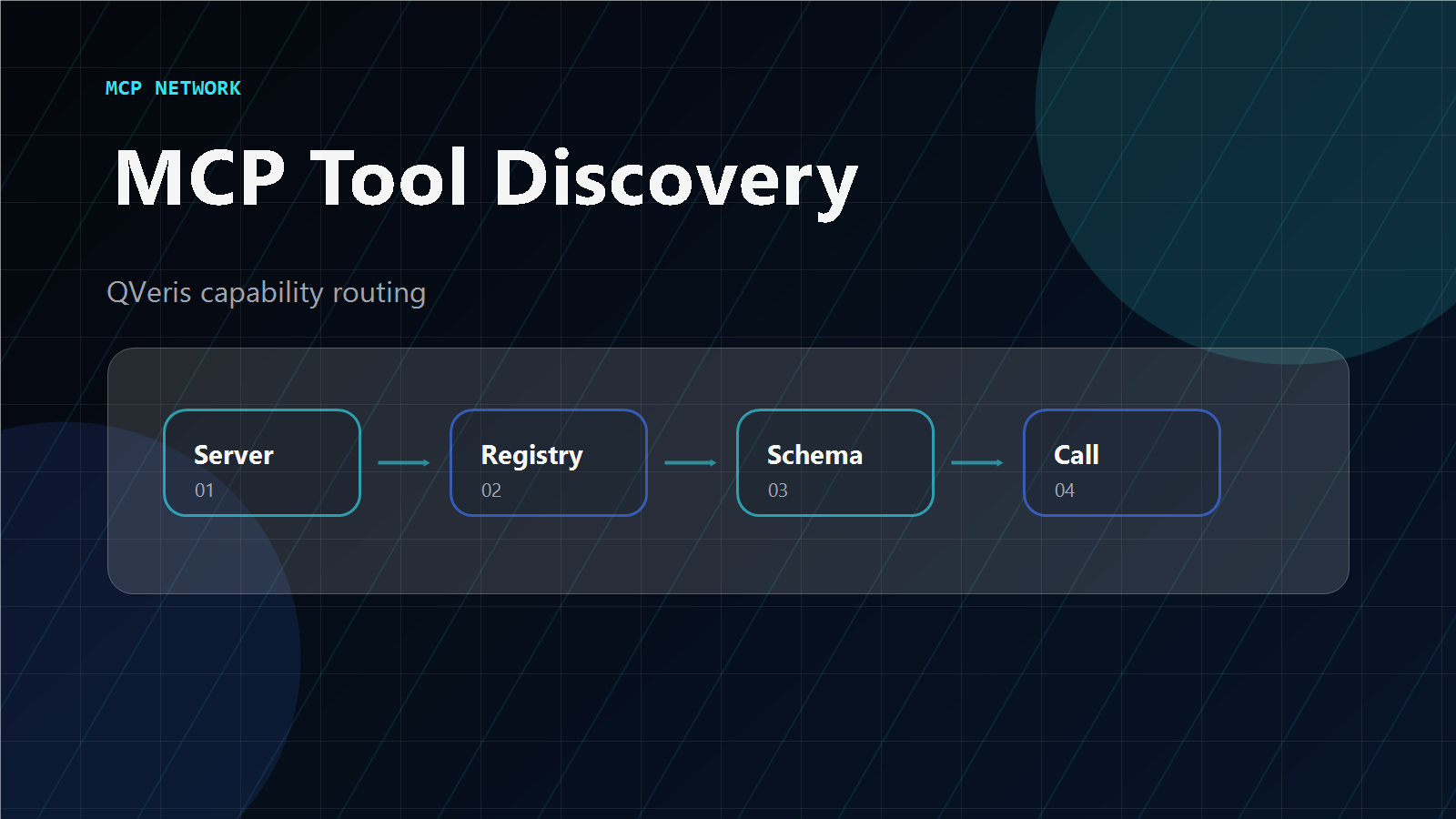
QVeris helps agents move from static tool lists to runtime capability discovery through Discover → Inspect → Call → Validate → Route:
Discover
Find candidate MCP tools, external APIs, or capabilities based on task intent — across registries, directories, and capability catalogs.
Inspect
Review tool schema, inputs, outputs, auth, cost, latency, provider notes, and constraints. Eliminate unsuitable candidates before calling.
Call & Validate
Execute the selected tool. Validate timestamps, source URLs, output structure, missing fields. Route to fallback on failure.
Report
Return structured result — JSON, agent brief, alert, or workflow output — with source traceability and metadata.
QVeris is not the official MCP Registry and does not own every MCP tool. It helps agents discover, inspect, and call relevant capabilities across MCP and external tool ecosystems through a unified routing layer. Read the docs → or view pricing →.
Methodology
We evaluate MCP tool discovery across six dimensions:
1. Task match — Does the tool actually match the task intent, not just the name?
2. Schema clarity — Is the input/output schema well-defined and inspectable?
3. Source traceability — Does output include timestamps, source URLs, and provider attribution?
4. Runtime usability — Can the agent discover, inspect, and call at runtime?
5. Reliability — Is the tool maintained, documented, and production-ready?
6. Agent workflow fit — Can the tool integrate into multi-step agent workflows?
Conflict-of-interest note: QVeris provides capability routing. This guide aims to be objective: MCP directories serve human discovery, registries serve metadata provenance, and QVeris serves agent-native runtime discovery and routing.
Getting Started Checklist
QVeris is a capability routing layer. Always verify tool schemas, terms, and availability independently.
Give Your Agent Runtime Tool Discovery
QVeris helps your AI agent discover, inspect, and call MCP tools and external capabilities by task intent — not by server name. Move from static directories to agent-native discovery. Discover and Inspect are free forever.
Discover Capabilities →Explore QVeris Docs