
Introducing the Official QVeris Skill for OpenClaw: 10,000+ Tools in One Install
One command gives your OpenClaw agent full access to the entire QVeris capability network — Discover, Inspect, and Call across 10,000+ verified tools.
What Is an OpenClaw Skill?
OpenClaw Skills are prompt + config bundles that extend what your agent can do. Think of them like packages — install one command, unlock a new domain.
The official QVeris Skill is the core package: it gives your agent three new superpowers — Discover, Inspect, and Call — across the entire QVeris capability network. No manual API integration. No per-provider configuration. One install, everything connected.
Before a Skill
Agent limited to built-in knowledge. No external tools. No live data access.
After One Install
Agent gains access to 10,000+ verified capabilities across 15+ domains instantly.
Open Source
Fork the repo, create your own skill, publish to ClawHub or share directly.
Three Commands Your Agent Now Knows
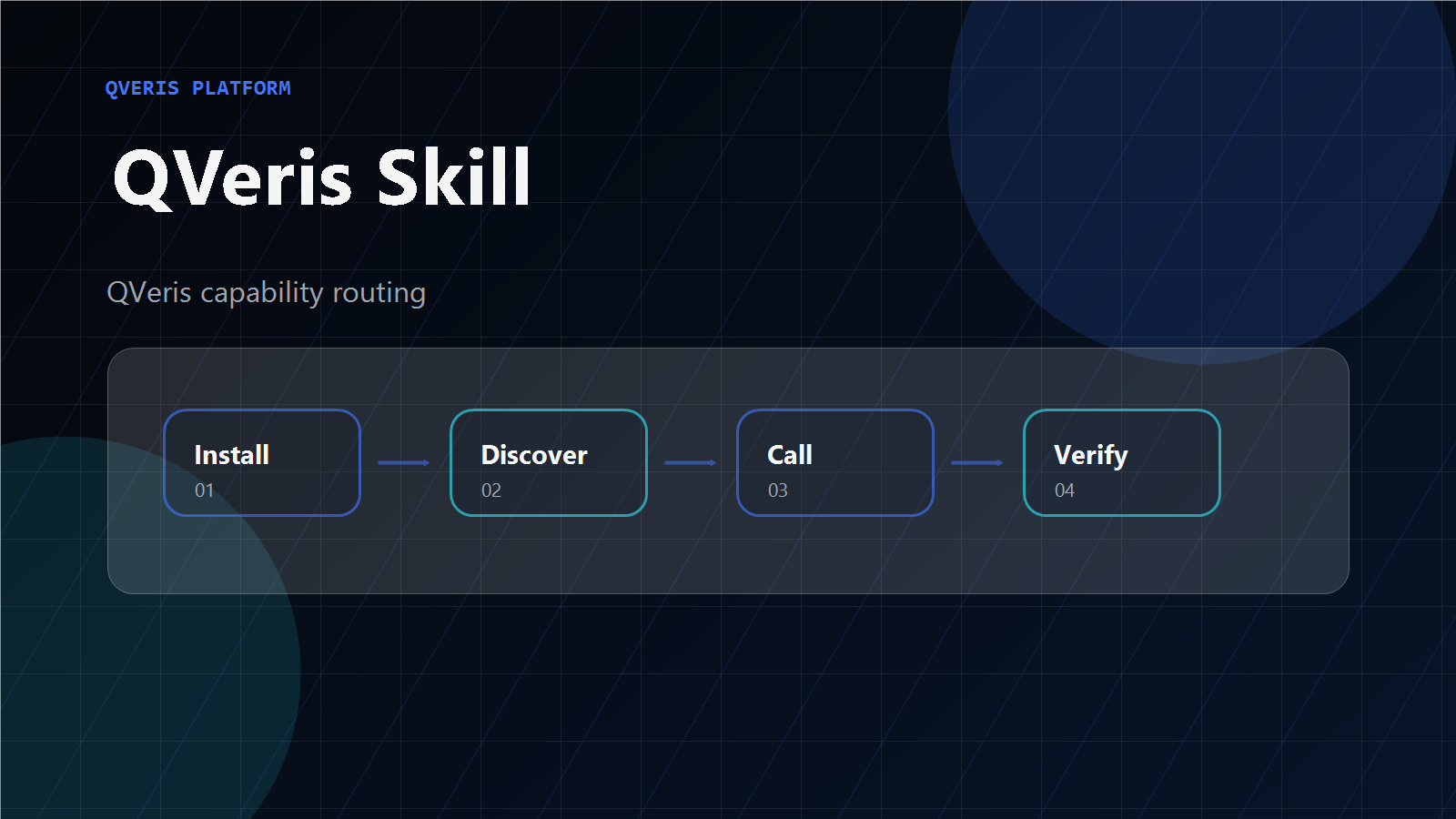
Discover
Search across 10,000+ capabilities using natural language. Agent describes what it needs — QVeris returns ranked matches with quality signals.
Inspect
Before calling any tool, your agent inspects parameters, cost, latency, and success rate — so it always chooses the right provider.
Call
Execute any capability and receive structured JSON — consistent format regardless of the underlying provider.
Get Started in 60 Seconds
Create Your Free QVeris Account
Sign up at qveris.ai — free account includes 1,000 credits. No credit card required.
Install the Official QVeris Skill
Run this command or tell your agent to install the QVeris skill.
Ask Your Agent to Discover Tools
Your agent can now find and call any capability in natural language.
10,000+ Capabilities Across 15+ Domains
verified capabilities and counting
Why Install a Skill vs Manual Integration?
| QVeris Skill | Manual Integration | |
|---|---|---|
| Setup time | 60 seconds | Days to weeks |
| Tools available | 10,000+ immediately | One at a time |
| Authentication | Handled automatically | Custom per provider |
| Rate limiting | Managed by QVeris | You implement it |
| Output format | Consistent JSON | Varies per provider |
| New capabilities | Automatic | Re-integrate manually |
| Quality signals | Built-in | You build monitoring |
Open Source. Community-Driven.
open-qveris-skills
The official skills repository. Browse source code, fork skills, submit PRs, and build your own.
Browse on GitHub →ClawHub Registry
Discover community skills built on QVeris. Install any skill with one command from the ClawHub registry.
Browse on ClawHub →Want to publish your own skill? Fork the repo → create your folder → submit a PR or publish directly to ClawHub.
Frequently Asked Questions
What is the official QVeris Skill for OpenClaw?
How do I install the QVeris Skill in OpenClaw?
openclaw skills install qveris-official in your OpenClaw environment, or tell your agent to install the QVeris skill using the instruction file at qveris.ai/skill/instruct.md with your API key. The agent handles download and configuration automatically.