
Tool Calling Best Practices for Production AI Agents
A practical engineering guide to building reliable AI agents with robust tool calling, including validation, error handling, fallback routing, MCP integration, and QVeris capability workflows.
Reliable · Safe · Observable · Scalable
What Is Tool Calling in Production AI Agents?
Production tool calling is not just invoking APIs. It is a controlled engineering system where AI agents select tools, validate schemas, execute calls, handle failures, verify outputs, log results, and route to fallback tools when needed — all within a predictable, observable, and recoverable architecture.
The gap between demo and production is real. In a demo, a tool call succeeds once with pre-configured inputs, a valid API key, and no rate limits. In production, tools fail for dozens of reasons: expired credentials, schema mismatches, network timeouts, rate limit 429s, empty responses, malformed JSON, stale provider metadata, or simply because the wrong tool was selected. Demo = tool works once. Production = tool must work reliably under failure, scale, latency, and missing data.
Why Tool Calling Fails in Production
1. No Schema Validation
Agent calls a tool with symbol when it expects ticker. The call fails — and the agent doesn't know why. Schema validation before calling catches this silently.
2. Wrong Tool Selected
Three tools overlap. The agent picks one based on name similarity, not schema fit. The tool returns partial data. The agent proceeds with incomplete information.
3. Missing Authentication
The tool requires an API key that expired or was never provisioned. The agent discovers this at call time — with no fallback configured.
4. No Retry Strategy
A transient network error kills the call. Without retry logic, a one-second blip becomes a permanent failure in the agent's output.
5. No Fallback Tools
The primary tool returns 429 (rate limited). The agent has no second option. It returns "I couldn't complete the task" when a fallback tool was available but unconfigured.
6. Silent Failures
The tool returns HTTP 200 with an empty body or a partial JSON. The agent treats it as success. The downstream workflow receives garbage data with no error flag.
7. Rate Limits & Latency
Free-tier API limits are hit during a market event. Calls start returning 429s. The agent has no rate-limit-aware routing.
8. Unstructured Outputs
The tool returns HTML instead of JSON, or plain text instead of structured fields. The agent's parsing logic breaks. No output validation catches the mismatch.
Core Principles of Reliable Tool Calling
| Principle | What It Means in Production |
|---|---|
| Validate Before Call | Check input schema, required fields, types, and auth before execution — never call blind |
| Assume Failure | Tools will fail sometimes. Design every call path with that assumption built in from the start |
| Always Have Fallback | Every critical tool category should have at least one ranked backup capability |
| Normalize Outputs | Convert all tool responses to structured, validated formats before passing to downstream reasoning |
| Log Everything | Record tool name, inputs, outputs, latency, status, retries, and fallback usage for every call |
| Separate Reasoning from Execution | The LLM decides what to do. The execution layer handles how — validation, retry, routing, logging |
| Route, Don't Hardcode | Use capability routing instead of hardcoding "always call Tool X" — providers change, schemas evolve |
Schema Validation Best Practices
Never call a tool without validating its input schema first. Schema validation is the single highest-ROI practice in production tool calling — it prevents the most common failure mode (parameter mismatch) before any API call is made.
✓ Validate Required Fields
Confirm every required parameter is present, correctly typed, and within allowed values before execution. A missing symbol or a string where an integer is expected will fail — catch it early.
✓ Validate Types and Enums
Ensure string fields are strings, numeric fields are numbers, boolean fields are booleans, and enum fields match allowed values. Type coercion at the API layer is not reliable across providers.
✓ Handle Optional Fields Gracefully
Optional fields should have explicit defaults or be omitted entirely. Do not pass null where the tool expects omission — provider behavior varies.
✓ Verify Auth Before Calling
Check that required API keys, OAuth tokens, or authentication headers are available and unexpired before attempting the call. Auth failures are the second most common production issue after schema mismatches.
Tool Selection Strategies
Production agents should not pick tools only by name. Selection should consider task intent, schema match, latency, cost, reliability, output structure, and historical success rate.
| Strategy | When to Use | Production Notes |
|---|---|---|
| Rule-Based Routing | Simple, predictable systems with few tools | Fragile when tools change; best for internal APIs |
| LLM-Based Selection | Flexible tasks with moderate tool counts | Adds latency; requires prompt engineering for consistency |
| Embedding-Based Matching | Large tool sets (50+) with diverse capabilities | Requires tool description embeddings; good for initial filtering |
| QVeris Capability Routing | Multi-provider agent systems with fallback needs | Discovers, inspects, and ranks capabilities by task intent; includes schema validation and fallback routing |
Error Handling & Retry Mechanisms
Every tool call path must include error handling. Common failures include timeouts, rate limits (429), invalid schemas (400), missing auth (401/403), empty responses, and malformed JSON. Each requires a different recovery strategy.
⏱ Exponential Backoff with Jitter
Retry with increasing delays: 1s → 2s → 4s → 8s (max 3 retries). Add random jitter to prevent thundering-herd retries. Never retry instantly — you will amplify the provider's load and worsen the outage.
🔌 Circuit Breaker Pattern
If a tool fails N consecutive times, stop calling it for a cooldown period. This prevents cascading failures and gives the provider time to recover. Re-enable gradually with a probe request.
🔄 Retry Flow
Tool A → fail → retry with backoff → fail → retry with backoff → fail → switch to Tool B (fallback) → success. The agent never returns "I couldn't complete the task" unless all fallbacks are exhausted.
Fallback Routing Strategies
Every critical tool category must have at least one ranked fallback. No single point of failure is acceptable in production.
Market Data Fallback Chain
Primary: real_time_stock_price → Fallback 1: cached_price_api → Fallback 2: historical_price_api → Fallback 3: secondary_provider. Each fallback may have higher latency or lower fidelity, but the agent continues to function.
Fallback Design Rules
1. Rank fallbacks by fidelity (closest to primary first). 2. Accept gracefully degraded outputs at lower tiers. 3. Log every fallback activation — it is a leading indicator of provider issues. 4. Test fallback paths regularly — untested fallbacks are not real fallbacks.
Security & Permission Control
API Key Isolation
Never share API keys across tools. Each tool or provider should have its own credential scope. Rotate keys regularly and never expose them in agent logs or LLM context windows.
Tool-Level Permissions
Not every agent should access every tool. Implement tool-level access control — read-only tools for research agents, write tools only for explicitly authorized workflows.
Sandbox Execution
Execute tool calls in isolated environments. A tool that writes files, sends emails, or modifies data should never run with unrestricted system access.
Input Sanitization & Output Filtering
Sanitize inputs before calling external tools. Filter outputs before passing to LLM reasoning — remove sensitive data, truncate oversized responses, and flag unexpected content.
Observability & Logging
Every tool call must be logged. Without observability, production agents are black boxes — you will not know which tool failed, why, or whether the fallback was activated until a user reports the issue.
Minimum Logged Fields
tool_name, input_schema_hash, output_status, latency_ms, error_type, retry_count, fallback_used, timestamp, provider. These 9 fields give you enough data to debug any production issue without logging sensitive payload contents.
MCP Integration Best Practices
MCP standardizes tool exposure, but production systems still need validation, routing, retry logic, and observability on top of MCP connectivity.
| Layer | Responsibility | Production Notes |
|---|---|---|
| MCP | Tool exposure and connectivity | Standardizes how tools are described and connected |
| Tool Calling | Execution and error handling | Validates inputs, executes calls, handles errors, retries |
| Tool Routing | Selection and fallback | Chooses the best tool; switches on failure |
| Production System | Reliability, observability, security | Logs, monitors, secures, and scales tool execution |
QVeris Support for Production Tool Calling
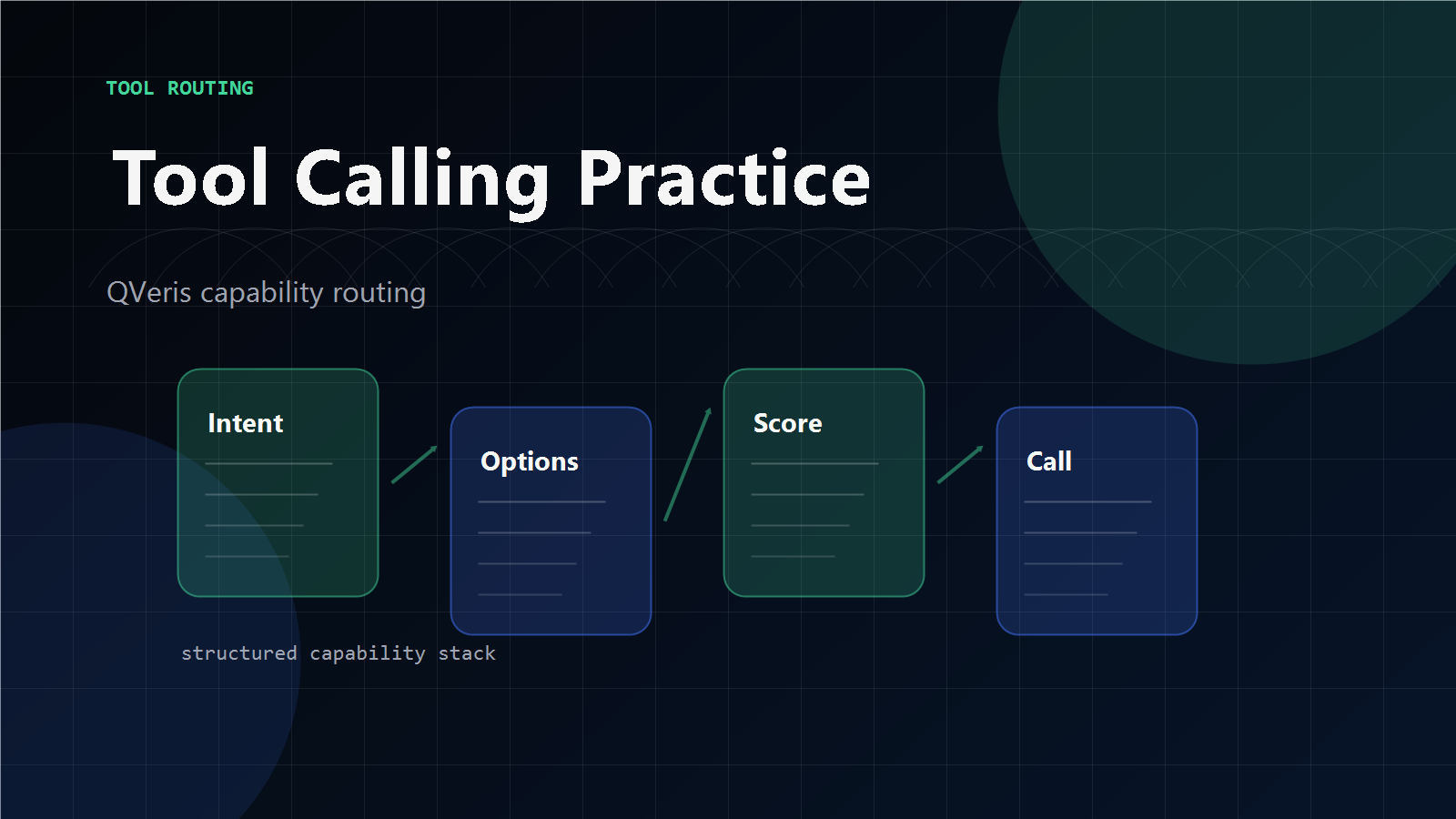
QVeris helps production agents implement the Discover → Inspect → Call → Validate → Route pattern — structured capability routing that replaces hardcoded single-tool dependencies with validated, fallback-aware execution.
Discover
Find relevant tools across MCP servers, external APIs, and capability catalogs based on task intent — not hardcoded tool names.
Inspect & Validate
Check schema, auth, cost, latency, and provider notes before calling. Validate input parameters. Eliminate unsuitable candidates early.
Call & Retry
Execute selected tool with retry logic. On failure, route to ranked fallback. Log every attempt. Never return "I couldn't complete the task" while fallbacks remain.
Validate & Report
Check output structure, timestamps, source metadata, errors. Return structured result with full traceability — tool used, latency, retry count, fallback status.
QVeris is a capability routing layer. It helps production agents implement structured tool discovery, inspection, and routing — replacing hardcoded single-tool dependencies with validated, fallback-aware execution. Read the docs → or view pricing →.
Getting Started Checklist
QVeris is a capability routing layer. Production agent reliability requires engineering across all layers — validation, routing, observability, and security.
Build Reliable Production AI Agents
QVeris gives your agents structured capability routing with built-in discovery, schema inspection, validation, and fallback — the production tool calling patterns that keep agents running when tools fail.
Build Production Agents →Explore QVeris Docs