Get Started
Engineering · Mar 25, 2026 · Tutorial

OpenClaw + QVeris: Building AI Agents That Actually Access Real-World Data

Combine OpenClaw's agent runtime with QVeris capability routing and ship AI agents that pull live data from the real world — not the model's training set.

❌ Without QVeris

Agent: "What's the current Bitcoin price?"
Response: "As of my training data, Bitcoin was around $42,000 in early 2024..."
❌ Stale training data

✓ With QVeris

→ Discovers crypto.spot_price via QVeris
→ Calls Binance API in real time
Response: "Bitcoin is currently $67,423 as of 14:32 UTC today."
✓ Live real-world data

What You'll Build

A production-ready AI agent that discovers and calls real-world APIs at runtime — not hardcoded at build time.

🔍

Runtime Discovery

Agent finds the right tool dynamically using natural language — no pre-wiring required. It searches across 10,000+ capabilities and picks the best match.

Live Data Access

Pulls real-time data from verified providers across finance, weather, news, crypto, and more. Every response has a current timestamp — not a training cutoff.

🛡

Production Execution

Sandboxed calls, structured JSON output, execution IDs, and audit trails built in. One protocol for all capabilities. No per-provider parsing.

Before You Start

OpenClaw installed
openclaw.ai → Installation guide
QVeris account (free)
qveris.ai → 1,000 credits on signup, no credit card required
QVeris API Key
qveris.ai/account → API Keys page
Basic AI agent familiarity
Optional but helpful for understanding the workflow

Step-by-Step: Connect OpenClaw to QVeris

01

Install the QVeris Skill for OpenClaw

The official QVeris Skill gives OpenClaw native access to the entire QVeris capability network. One command, no manual configuration.

OpenClaw — Terminal
# Send this to your OpenClaw agent Install QVeris skill following https://qveris.ai/skill/instruct.md and use QVERIS_API_KEY=your-key-here
The agent will automatically download and configure the official QVeris Skill. No manual file editing required.
02

Verify the Installation

Ask your agent to confirm QVeris is connected and check your credit balance.

OpenClaw — Terminal
# Ask your OpenClaw agent: "Check my QVeris connection status and show my remaining credits" # Expected response: QVeris connected API Key: qv-****-**** Credits remaining: 1,000 Region: Global (qveris.ai)
03

Discover Your First Capability

Ask your agent to find a real-world data source using natural language.

OpenClaw — Terminal
# Ask your OpenClaw agent: "Find me a real-time cryptocurrency price API" # Agent discovers via QVeris: Found 4 capabilities: 1. crypto.spot_price Binance ⚡ 180ms 99.4% 2. crypto.market_data CoinGecko ⚡ 320ms 98.1% 3. crypto.ticker Kraken ⚡ 210ms 99.2% 4. crypto.ohlcv Bybit ⚡ 195ms 98.8%
Discovery is always free — no credits consumed.
04

Inspect Before Calling

Have your agent check parameters and cost before executing the call. Never call blind.

OpenClaw — Terminal
# Agent inspects the top result: crypto.spot_price (Binance) Parameters: symbol string (required) e.g. "BTCUSDT" Cost: 2 credits per call Latency: ~180ms average Success rate: 99.4% # Agent confirms: "Ready to call. This will use 2 credits."
05

Call and Get Live Data

Execute the capability and receive structured real-world data. The agent responds in natural language with live information.

OpenClaw — Terminal
# Agent calls the capability: "Get the current Bitcoin price" # QVeris executes → returns: { "symbol": "BTCUSDT", "price": 67423.51, "change_24h": +2.34, "volume_24h": 28941823400, "timestamp": "2026-03-25T14:32:07Z" } # Agent responds: "Bitcoin is currently $67,423.51, up 2.34% in the last 24 hours."

What Your Agent Can Do After Integration

📈 Financial Research Agent

Pull real-time stock quotes, earnings data, analyst ratings, and market news. Build research reports from live sources.

138 finance capabilities

₿ Crypto Monitoring Agent

Track spot prices, on-chain metrics, DeFi TVL, and token analytics across major exchanges in real time.

Live data

📰 News & Sentiment Agent

Aggregate news from multiple sources, analyze sentiment, and surface relevant signals for any topic or asset.

Real-time feeds

🛡 Compliance & Risk Agent

Run AML screening, sanctions checks, and regulatory compliance queries against live databases.

Verified providers

📊 Market Data Agent

Access real-time and historical price data, corporate actions, index constituents, and alternative signals.

Multi-market

📄 Document Processing Agent

OCR, PDF parsing, document extraction, and structured data output from unstructured documents at scale.

Production-grade

How It Works Under the Hood

OpenClaw Agent
User's natural language request
Natural Language Intent
"Get Bitcoin price"
QVeris Skill
Translates intent → Calls QVeris API
QVeris Network
Discover → Inspect → Route → Execute
Real-World Provider
Binance / CoinGecko / Kraken / etc.
Structured JSON Response
Back to agent → Natural language response

The agent never handles authentication, rate limits, or provider-specific formats. QVeris abstracts all of it.
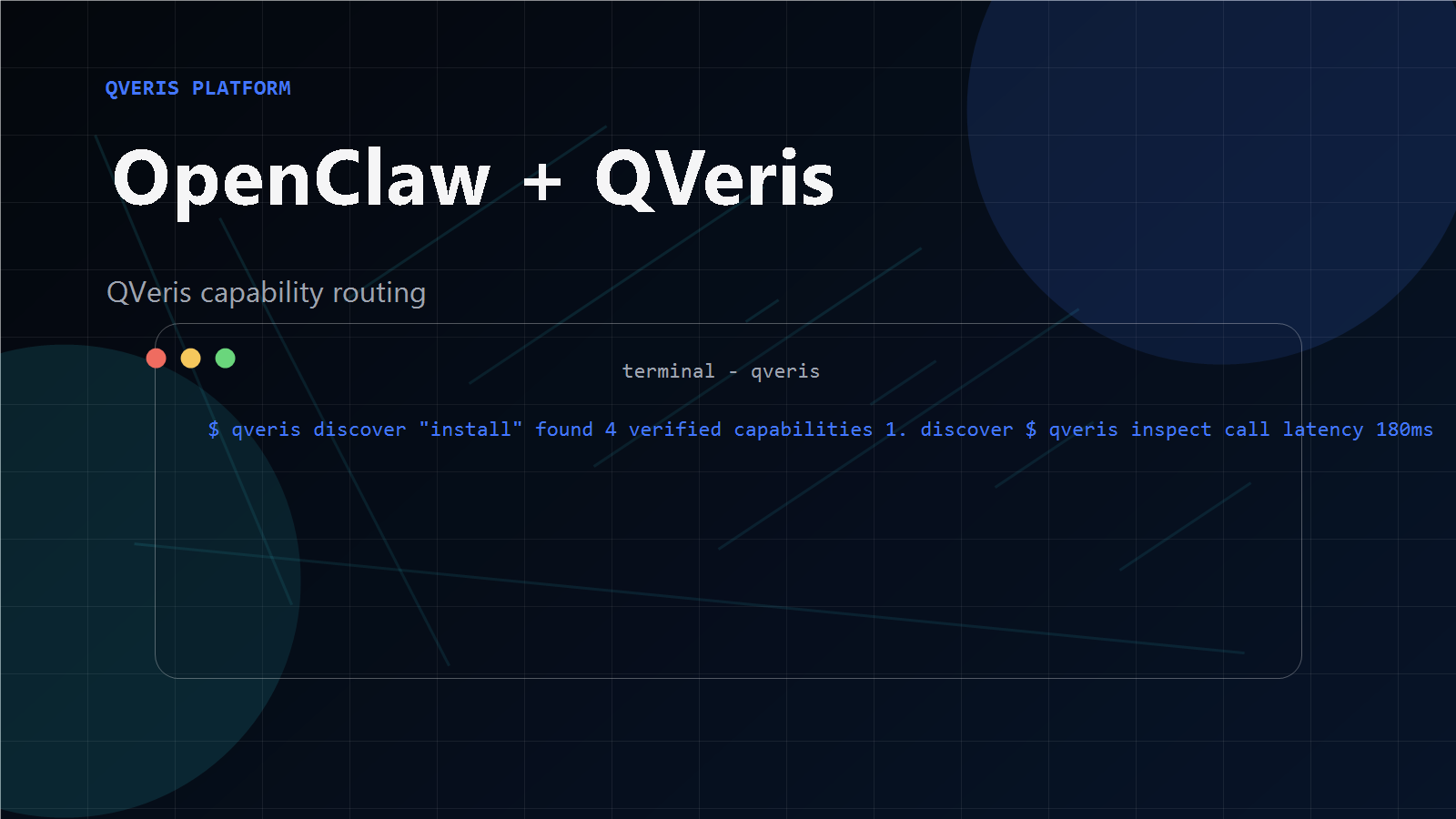
OpenClaw + QVeris Architecture

Frequently Asked Questions

What is OpenClaw and how does it work with QVeris?
OpenClaw is an open-source AI agent runtime that lets you build and run AI agents locally or in the cloud. QVeris extends OpenClaw with a capability routing network — giving your agent access to 10,000+ real-world tools and APIs through a single skill installation. The agent sends a natural language request; QVeris discovers the right tool, inspects its schema, routes the call, and returns structured live data.
How do I give my AI agent access to real-world data?
Install the official QVeris Skill into your OpenClaw agent with one command. Once installed, your agent can discover and call any of 10,000+ verified real-world capabilities — stock prices, crypto data, weather, news, and more — using natural language, without any additional per-API configuration.
What's the difference between training data and real-world data?
Training data is what the model learned during training — it has a knowledge cutoff date and cannot reflect current events, prices, or conditions. Real-world data access means the agent can call live APIs at runtime to get current information: today's stock price, live weather conditions, breaking news headlines, real-time cryptocurrency markets. Training data is frozen in time. Live data is now.
Is the QVeris Skill for OpenClaw free?
The skill itself is free and open source. Discovery and inspection of capabilities are always free — zero credit cost. Credits are consumed only when you execute a live tool call (1–100 credits per call). New accounts receive 1,000 free credits on signup with no credit card required.
What real-world capabilities can my OpenClaw agent access?
Through QVeris, your agent can access 10,000+ capabilities across 15+ categories: finance (138 capabilities), crypto, weather, maps, news, OCR, document processing, compliance, healthcare, and more. Browse the full catalog at qveris.ai/providers.