Earnings Monitoring Agent with Stock APIs
Build an AI agent that monitors earnings dates, stock price reactions, financial news, filings, guidance updates, and post-earnings summaries through QVeris-supported capability routing.
Before earnings · During earnings · After earnings
What Is an Earnings Monitoring Agent?
An Earnings Monitoring Agent is an AI agent that tracks the full earnings event lifecycle for public companies — before, during, and after earnings releases. It monitors upcoming earnings dates, expected release windows, live stock price reactions, financial news, SEC filings, guidance updates, and post-earnings summaries. It is not just an earnings summary tool — it is an event monitoring workflow.
Earnings season is the most concentrated period of market-moving information every quarter. Thousands of companies report within a few weeks. Each report can trigger price moves, news coverage, filing updates, and analyst revisions — all within hours. A human analyst cannot track every company simultaneously. An earnings monitoring agent can watch the calendar, detect events as they happen, and surface the most relevant signals in real time.
The agent's scope spans the full event lifecycle: before earnings (tracking expected dates, consensus expectations, pre-event news), during earnings (detecting the release, monitoring price reaction, pulling headlines and filings), and after earnings (comparing results, summarizing guidance, generating post-event briefs, and handing off to deeper analysis workflows).
Earnings Monitoring vs Earnings Analysis
| Workflow | Main Purpose | Best Timing | Main Output |
|---|---|---|---|
| Earnings Monitoring Agent | Track the earnings event lifecycle | Before, during, and after release | Alerts, monitoring brief, reaction summary |
| AI Earnings Analysis Agent | Analyze released earnings results | After results are available | Earnings analysis, result breakdown, management commentary |
Why AI Agents Need Earnings Event Workflows
1. Earnings Dates Are Time-Sensitive
Companies report on specific dates — often before market open or after market close. An agent that does not know the earnings calendar misses the event window entirely.
2. Price Reactions Happen Fast
A real-time stock price API can show that a company moved 6% after earnings. An earnings monitoring agent detects the move as it happens and correlates it with the earnings event — providing context, not just a price change.
3. News and Filings Update the Story
An 8-K filing, a guidance update, or a management statement can shift the market's interpretation of earnings. Agents that only check the headline numbers miss the full picture.
4. Guidance Often Matters More Than Results
Companies that beat EPS estimates but lower guidance often see negative price reactions. An agent that monitors guidance alongside results provides more complete context than one that only checks revenue and EPS.
5. Source Timestamps and Structured Alerts
A monitoring agent should preserve filing dates, report periods, news timestamps, and source URLs in every alert and brief. Without source traceability, the output is not auditable — and not suitable for professional workflows.
6. Monitoring and Analysis Should Be Separated
Monitoring detects events and surfaces signals. Analysis interprets the content. Keeping these workflows separate makes each more reliable — the monitoring agent triggers on events, and hands off structured event packages to deeper analysis workflows.
Data Capabilities an Earnings Monitoring Agent Needs
1. Earnings Calendar
Expected report date, pre-market/after-hours timing, upcoming events. The foundation that tells the agent when to monitor.
QVeris Support: discover earnings calendar capabilities → inspect date fields and coverage → call → validate company and date.
2. Stock Price / Market Data
Pre-event baseline, during-event price reaction, and post-event comparison. Combined with WebSocket streaming, the agent can monitor price moves in real time.
QVeris Support: discover market data capabilities → inspect latency and coverage → call → validate timestamps.
3. Financial News
Headlines, sentiment, earnings coverage, and event context. News often breaks before filings appear on EDGAR.
QVeris Support: discover financial news capabilities → inspect sentiment and source fields → call → cross-reference with event timing.
4. Company Filings
8-K current reports, 10-Q quarterly filings, and official disclosures. See the SEC filing API guide for detailed filing workflows.
QVeris Support: discover filing capabilities → inspect form type coverage → call → validate accession numbers.
5. Fundamentals / Financial Statements
Reported revenue, EPS, margins, and balance sheet data. The structured numbers behind the earnings release.
QVeris Support: discover fundamentals capabilities → inspect field coverage → call → validate against filing data.
6. Alert Delivery
Slack, email, webhook, dashboard, or structured JSON alerts. The agent's output channel — delivering event notifications to the right destination.
QVeris Support: discover alerting capabilities → inspect output formats → call → validate delivery.
QVeris Support means this workflow can be structured around capabilities discoverable through QVeris. QVeris is a capability routing layer — not the original source of every earnings, market, or filing dataset. Confirm exact capability availability during Inspect before production use.
Before / During / After Earnings Workflow
Before Earnings
- Track upcoming earnings dates
- Check consensus expectations
- Monitor pre-earnings news
- Prepare watchlist
- Define alert thresholds
During Earnings
- Detect report release
- Monitor price movement
- Pull headlines and filings
- Identify unusual volatility
- Trigger alerts
After Earnings
- Compare reported vs expected
- Summarize price reaction
- Check guidance updates
- Generate post-event brief
- Route to deeper analysis
Example Earnings Monitoring Agent Output
Monitoring Brief — Earnings Event Detected
Microsoft
Upcoming quarterly earnings
Earnings expected this week
Moved 4.2% after hours
Signals Tracked: Earnings calendar · Stock price reaction · Financial news · 8-K / 10-Q filings · Guidance mentions
Agent Alert: Earnings event detected. Price moved 4.2% after hours. New filing and multiple news updates found. Generate post-event earnings analysis next.
Recommended Next Action: Send the event package to an AI Earnings Analysis Agent for deeper revenue, EPS, margin, guidance, and management commentary analysis.
Illustrative example. Not real company data or investment advice. All earnings monitoring outputs should be reviewed by qualified professionals.
QVeris Support for Earnings Monitoring Agents
Earnings monitoring requires multiple external capabilities. A single agent may need earnings calendar data, stock prices, financial news, SEC filings, fundamentals, and alert delivery — each from different providers with different authentication, schemas, and rate limits. QVeris helps structure this workflow through a unified Discover → Inspect → Call → Validate → Report pattern:
Discover
Find relevant earnings, market data, filing, news, and alerting capabilities across providers — without manually searching each provider's documentation.
Inspect
Review schema, cost, latency, coverage, provider notes, and output examples before calling. Avoid failed calls and unexpected costs.
Call
Execute the selected capability or workflow through a unified interface — consistent field names regardless of which provider answers.
Validate
Check timestamps, company identifiers, filing links, source URLs, and event timing. Ensure every output is traceable to its source.
QVeris Support does not mean QVeris owns every earnings dataset or market data source. It means an AI agent can use QVeris to discover, inspect, and call relevant external capabilities — earnings calendars, market data, financial news, filings, and alert delivery — through a unified routing layer. Discover and Inspect are free forever. Read the docs → or view pricing →.
Getting Started Checklist
QVeris is a capability routing layer. Earnings data comes from third-party providers. This is a research workflow — not investment advice.
Build an Event-Driven Earnings Monitoring Agent
QVeris helps your agent discover, inspect, and call earnings, market data, news, filing, and alerting capabilities through one unified routing layer. Discover and Inspect are free forever.
Build Earnings Agent →Explore QVeris Docs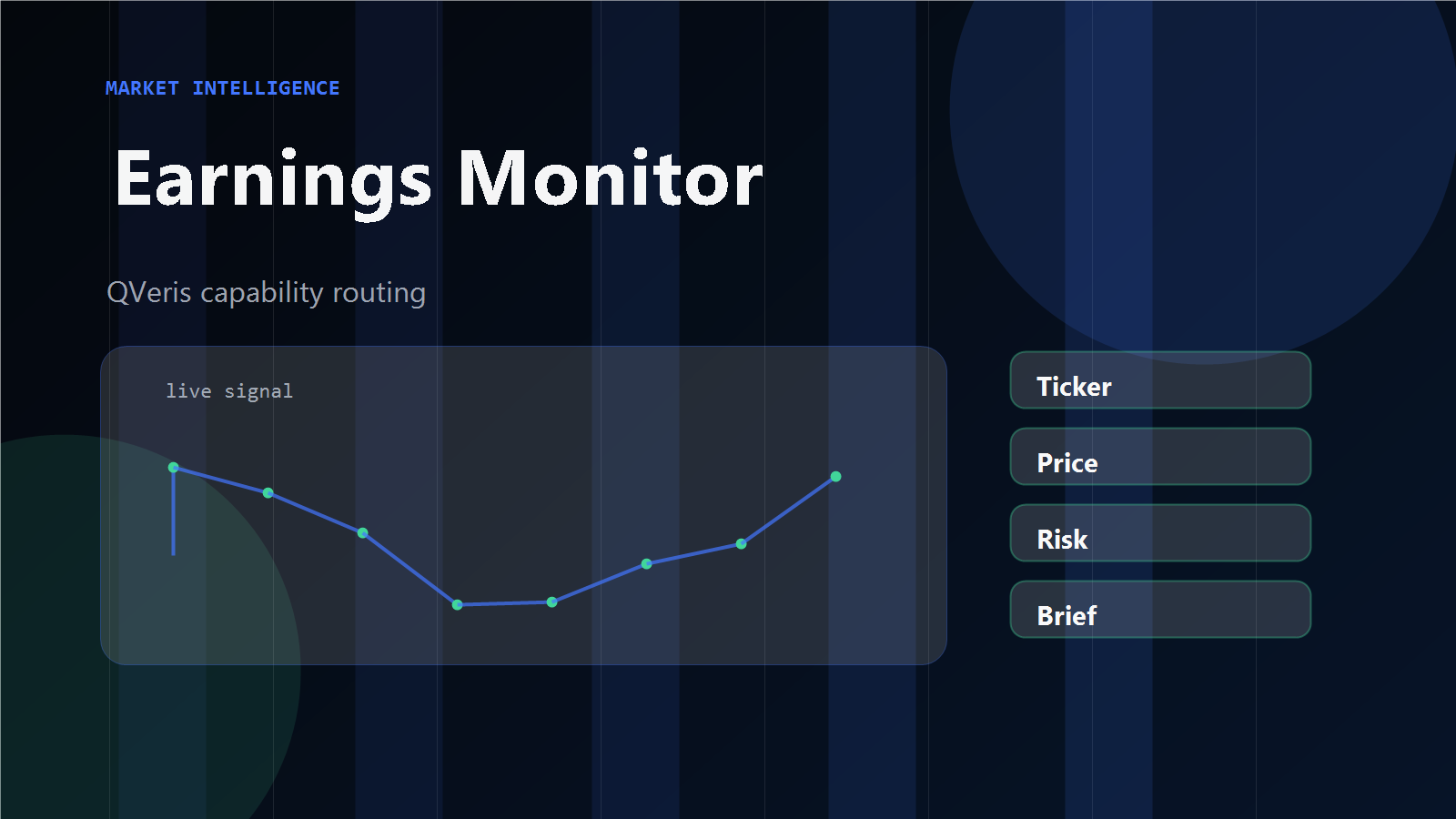
Earnings Monitoring Agent FAQ
What is an Earnings Monitoring Agent?
How is this different from an AI Earnings Analysis Agent?
What APIs does an earnings monitoring agent need?
Can an agent predict earnings results?
How does QVeris help with earnings monitoring?
Is this investment advice?
References & Sources
- QVeris Docs — qveris.ai/docs
- QVeris Pricing — qveris.ai/pricing
- QVeris For Agents — qveris.ai/for-agents
- QVeris Guide — Real-Time Stock Price API for AI Agents
- QVeris Guide — Stock API Free Comparison
- QVeris Guide — SEC Filing API for AI Agents